Get help while using the NHS App
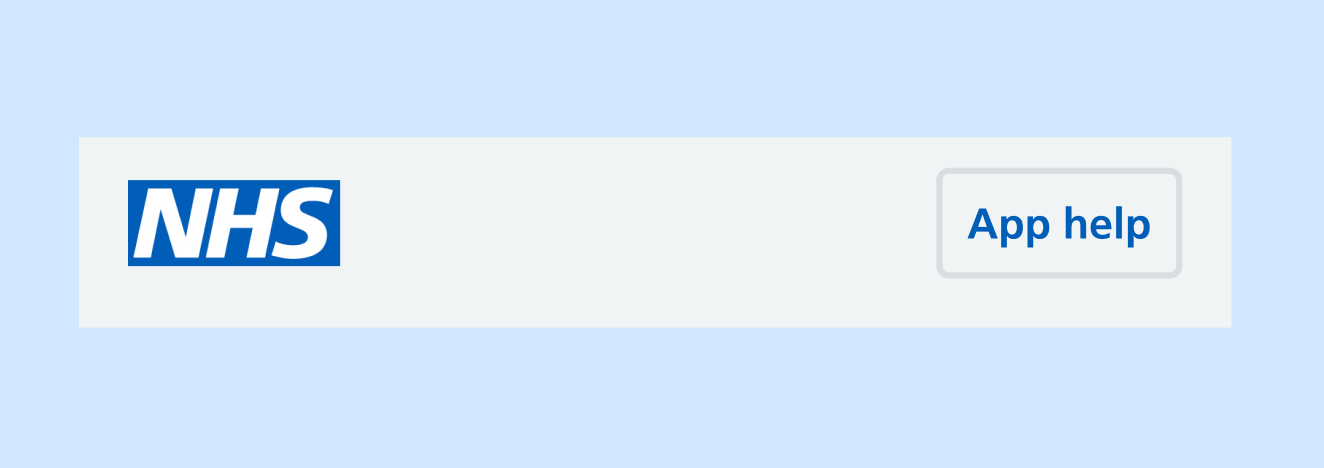
Use the app help button to let users access help information while they use the NHS App.
This helps users overcome problems they experience in the app without having to contact their GP or the app support team.
When to use
The button is part of the top navigation menu. It can be accessed from almost every screen of the app.
When a user is accessing NHS App services through a web browser, the help button is part of the persistent header (web) menu.
How to use
Use the button to open a help page hosted on the NHS website. In the mobile app the page opens in a web browser overlay.
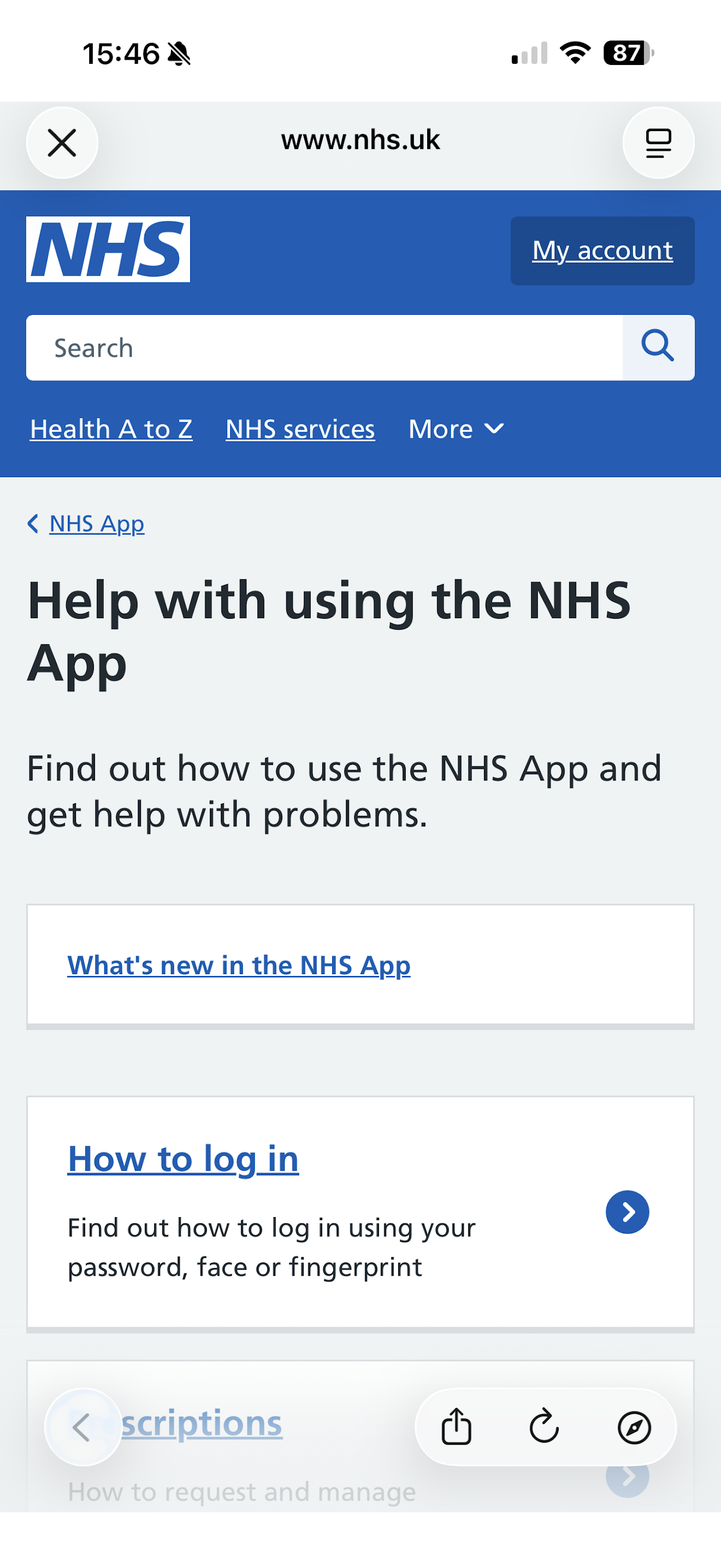
This overlay pattern is being reviewed. We are looking to improve how NHS website and third-party pages open from the app.
In the web browser version of the NHS App, help pages open in a new browser tab.
Which page to open
Take users to a help topic menu page that's relevant to where they are in the app. For example, Help with prescriptions in the NHS App or Help with appointments in the NHS App.
If there is not a relevant topic menu page, take users to the main Help with using the NHS App menu page.
How not to use
Do not route the app help button to a particular article page. Users may need help with something other than the screen they are on in the app.
Showing users a menu page gives them various options that may be relevant to their problem.
Research
“App help” was well understood as a label. People were consistently able to find and use the button.
There were some issues with user experience when users were using the browser overlay. Some people:
- navigated to other parts of the NHS website from within the browser overlay and lost their bearings
- thought they were still inside the app while using the browser overlay
We have made content changes to make it clearer when users are viewing help information and not acting inside the NHS App. This includes adding an "NHS App help" sub-heading on help article pages.
We are exploring how NHS website and third-party websites open from the app.
Accessibility
The button has been tested with visually impaired users. We found it to be accessible for screen readers.
Help improve this pattern
The NHS App design system team would like to hear:
- how you have used this pattern in your service
- any feedback you have about its usage, for example accessibility or ideas for improvement
Add these comments to the 'Get help while using the NHS App' discussion on GitHub.